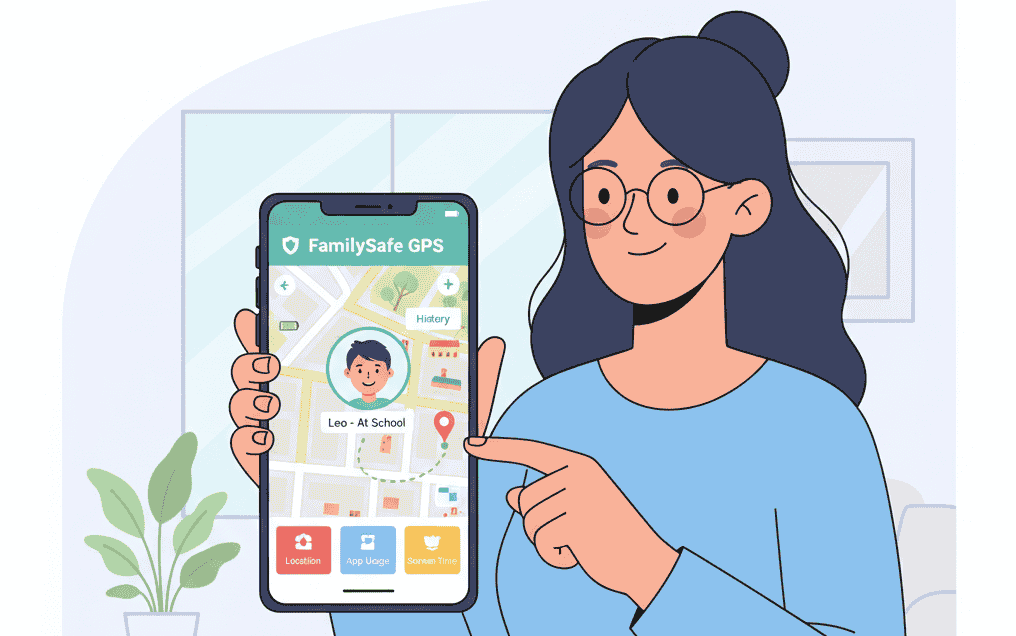
One of the most significant breakthroughs in technology was GPS. With its help, you can find directions, book a ride, or find a hotel. But for a parent, GPS offers something even more important: peace of mind.
Every day, we hear about the risks children face online, from cyberbullying to accessing unsafe content. If you are a parent worried about your child’s safety (both online and in the real world), you’ve come to the right place. In this article, we will discuss the best legitimate apps that help you protect your children and stay connected.
Quick Answer: The 3 Best Apps for Family Safety
For 99% of parents, the best apps are the free, built-in ones:
- For iPhone/iOS families: Apple’s “Find My” is the best free tool for location sharing.
- For Android families: Google Family Link is the best free tool for location, app, and screen time management.
For more advanced features, like social media and text monitoring, a paid app like Qustodio is our top-rated pick.
A Critical Note on Ethics & Legality (“Without Permission”)
Before we list the apps, it’s essential to address the “without permission” concept. It is illegal in most countries (including the US and UK) to install tracking software on a phone belonging to another adult—such as a spouse, partner, or employee—without their explicit consent. This is a severe violation of privacy and can have serious legal consequences.
The only legal and ethical exception is for a parent monitoring their own minor child’s device. This guide is written exclusively for that legitimate purpose. The best parental control apps work with your child, often requiring their consent to be installed, which helps build trust.
Top 3 Apps for Family Safety & Location Sharing
Instead of “spyware,” we are focusing on trusted, high-quality apps designed for parental control. These are the top 3 choices for 2025.
1. Apple’s Find My & Family Sharing (Best Free App for iPhone)
If your family uses iPhones, you already have one of the best location-tracking systems in the world, and it’s completely free.
Through “Family Sharing,” you can connect your family’s Apple IDs. This allows you to use the “Find My” app to see your child’s real-time location on a map, get alerts when they leave or arrive at a location (like “Home” or “School”), and help them find their lost device. It’s built-in, secure, and doesn’t drain the battery.
Pros:
- Completely free and built into every iPhone.
- Extremely accurate and secure.
- Lets you set up geofencing (location alerts).
Cons:
- Only works with other Apple devices (iPhone, iPad, Mac).
- Doesn’t monitor social media or app usage (you need Apple’s free “Screen Time” for that).
2. Google Family Link (Best Free App for Android)
Google Family Link is the Android equivalent of Apple’s tools, and it’s also free. It’s a comprehensive app that gives parents a complete set of controls. You install it on your phone and your child’s phone, and it allows you to do much more than just location tracking.
Pros:
- Completely free for Android users.
- Provides real-time GPS location tracking.
- Allows you to approve or block app downloads from the Play Store.
- Lets you set daily screen time limits and a “bedtime” for the device.
- Shows you how much time your child is spending in each app.
Cons:
- Less effective on iPhones (it’s designed for Android-to-Android).
- Tech-savvy kids can sometimes find workarounds.
3. Qustodio (Best Advanced Paid App)
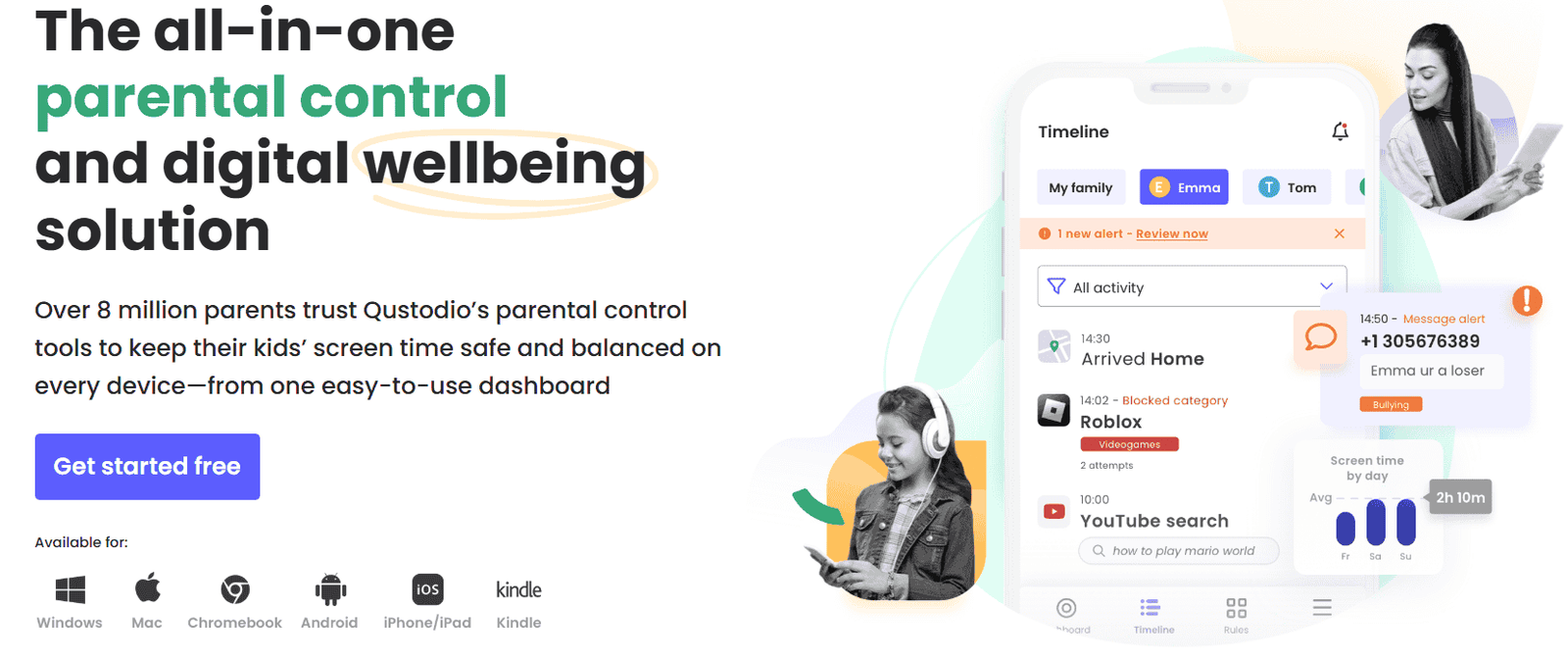
If the free tools aren’t enough and you are concerned about what your child is doing online, a paid tool like Qustodio is the next step. It’s a legitimate, well-respected parental control app that is visible on your child’s device (not “hidden”).
Qustodio is our top pick because it does everything the free apps do, plus it monitors calls, texts, and social media apps (like YouTube, Facebook, and Instagram) for signs of cyberbullying or inappropriate content. It gives you a dashboard with a full picture of your child’s digital life.
Pros:
- Works on all platforms (iOS, Android, Windows, Mac).
- Advanced content filtering for web browsing.
- Monitors social media, calls, and text messages for danger.
- Provides detailed activity reports for parents.
Cons:
- It is a paid subscription.
- Some features (like social media monitoring) are limited on iOS due to Apple’s privacy rules.
Conclusion
In 2025, protecting your child is about more than just knowing their location. It’s about teaching them good digital habits. While GPS is a powerful tool for peace of mind, it’s best used with legitimate, trustworthy apps like Apple’s Find My or Google Family Link. These tools are designed to foster safety and build trust, not to spy.
Frequently Asked Questions (FAQ)
Is it legal to track a phone without permission?
Only if it is your own minor child’s device. It is illegal in most regions to install tracking or spy software on a phone belonging to any other person, including a spouse, partner, or employee, without their explicit knowledge and consent.
Can I track my child’s phone for free?
Yes. If your family uses iPhones, Apple’s “Find My” app is built-in and 100% free. If your family uses Android phones, “Google Family Link” is also 100% free. These two apps are the best and safest starting point for any parent.
What’s the best app for monitoring my child’s social media?
Free apps like Google Family Link and Apple’s Screen Time can block or limit social media apps, but they cannot read the messages. To monitor social media for signs of cyberbullying, you will need a trusted, paid parental control app like Qustodio or Bark, which are designed for that purpose.
